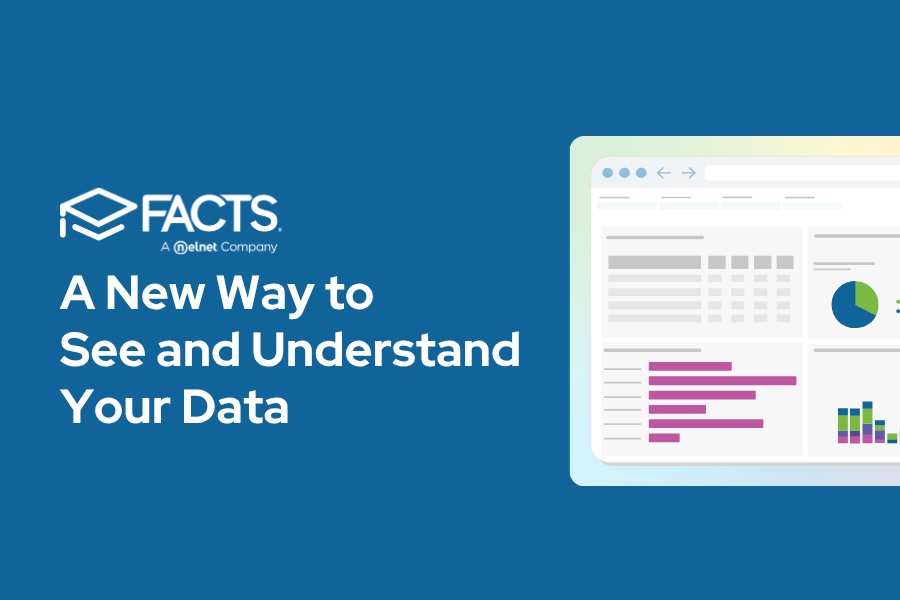
At FACTS, we’re always looking for new ways to innovate and build tools that help schools work smarter…which is why we’re so excited to announce the launch of SIS Dashboard Builder, a new reporting and visualization feature inside FACTS SIS!
SIS Dashboard Builder turns the data your school already trusts into clear, visual dashboards and customizable reports, making it easier to see trends, track key metrics, and understand what’s happening across your school.
Keep reading to learn everything you need to know.
What is SIS Dashboard Builder?
Dashboard Builder is a new reporting tool within FACTS SIS that allows schools to view pre-built dashboards or create their own custom reports using PowerBI visualizations. Instead of manually exporting data or piecing together reports, Dashboard Builder brings key information together in easy-to-understand visual views.
With Dashboard Builder, schools can:
-
View important student, academic, and operational metrics in visual dashboards
-
Combine data from multiple SIS sources into one report
-
Customize dashboards based on roles, goals, or areas of focus
-
Filter reports by school year or other criteria
-
Export dashboards to Excel or PDF for deeper analysis or sharing
Most importantly, no additional data entry is required. Dashboard Builder simply helps schools get more value from the data they already maintain.
Start with Pre-Built Dashboards
To make getting started simple, Dashboard Builder includes several pre-built dashboards designed around common school reporting needs. These dashboards help schools immediately begin exploring trends and insights without building reports from scratch.
Available dashboards include:
-
Admissions & Reenrollment Analysis – Track enrollment trends and admissions activity
-
At Risk – Identify students who may need additional support
-
Behavior – Monitor behavioral trends and incident patterns
-
Demographics – View key student population insights
-
Medical – Assess important health-related student information
-
Report Card – Analyze academic performance data
-
Student Information – See a comprehensive view of student demographics, enrollment status, and family contacts
Build Custom Reports That Fit Your School
While the pre-built dashboards are a great place to start, one of our favorite parts of SIS Dashboard Builder is the ability to create custom reports and dashboards, giving schools the flexibility to build reports that reflect what matters most to them.
Using a drag-and-drop interface and PowerBI visualizations, users can combine fields from multiple SIS datasets to create reports that highlight the metrics that matter most to their team.
For example, schools might create reports that:
-
Track enrollment trends by grade level or program
-
Monitor attendance or behavioral patterns over time
-
Analyze academic performance across classes or departments
-
Review demographic trends across student populations
Because reports can be customized and filtered, administrators can quickly adapt dashboards for different needs throughout the school year.
Turn Data Into Actionable Insights
The goal of Dashboard Builder isn’t just to display data. It’s to make it easier for school leaders to see trends, ask better questions, and take action.
With clear visual dashboards, teams can more easily:
-
Identify patterns affecting student success
-
Monitor enrollment and retention trends
-
Align leadership teams around shared metrics
-
Share insights across departments
Instead of sorting through spreadsheets, schools can quickly access the information they need to guide conversations and decisions.
How Is SIS Dashboard Builder Different from Data Insights?
If you’re already familiar with FACTS Data Insights, you might be wondering how SIS Dashboard Builder fits in. Both tools help schools better understand their data, but they serve slightly different purposes.
Dashboard Builder lives directly inside FACTS SIS and focuses on helping schools visualize and report on the data already stored within their SIS. It’s ideal for quickly building reports, tracking trends, and creating dashboards around student, academic, and operational metrics.
Data Insights, on the other hand, provides deeper aggregated analytics across multiple FACTS systems, helping schools analyze trends across financial, enrollment, and operational data at a broader level.
In short:
-
Dashboard Builder helps teachers and school staff visualize and report on SIS Data
-
Data Insights helps principals and district leaders analyze trends across multiple FACTS platforms
Ready to learn more? Watch this short on-demand webinar to see Dashboard Builder in action.
We’re introducing this tool in a phased approach, so keep an out on your inbox to learn when this powerful tool will be enabled for your school!

FACTS
Recent Blogs
- Federal Scholarship Tax Credit: The Questions Schools and SGOs Are Asking Right Now
- Get to Know The New FACTS Data Insights Dashboards
- Simplify Childcare Compliance with Smarter Attendance Tracking
- Educational AI and School Management Tools: What Schools Need to Know in 2026
- A Teacher’s Guide to AI Prompting
